

Understanding Social Engineering: How Cybercriminals Trick Employees
When we talk about protecting your business from cyber threats, it's easy to focus on technology – firewalls, antivirus software, and complex systems. But there's a crucial element often overlooked: the human factor. Cybercriminals don't always need advanced hacking skills to break into your business; sometimes, they just need to trick one of your employees. This tactic is called social engineering.
What is Social Engineering?
Simply put, social engineering is the art of manipulating people to give up confidential information or perform actions that benefit an attacker. It's like a con artist operating in the digital world, playing on human emotions like trust, fear, curiosity, or urgency. Instead of attacking your computer, they attack you.
Here are some common social engineering tactics you and your team should know about:
Phishing: This is perhaps the most well-known. Imagine getting an email that looks exactly like it's from your bank, a trusted vendor, or even a colleague, asking you to "verify your account" or "review an urgent invoice" by clicking a link. These links often lead to fake websites designed to steal your login details or download malicious software onto your computer.
Whaling: A highly targeted form of phishing, whaling focuses on "big fish" – senior executives like your CEO or CFO. These emails are meticulously crafted, often appearing to be from a legal firm, a key business partner, or even internal HR, trying to get high-level financial information or authorize a fraudulent wire transfer.
Pretexting: This involves creating a believable, fake scenario (a "pretext") to gain your trust and extract information. An attacker might call, pretending to be IT support needing your password to "fix a problem," or a new employee needing access to a system. They build a story to make their request seem legitimate.
Baiting: This tactic tempts victims with something desirable. Think of a USB drive left in your parking lot labeled "Confidential HR Data" or an online ad for a "free movie download." Curiosity often leads people to plug in the drive or click the link, unknowingly infecting their system.
Why SMBs Are Prime Targets
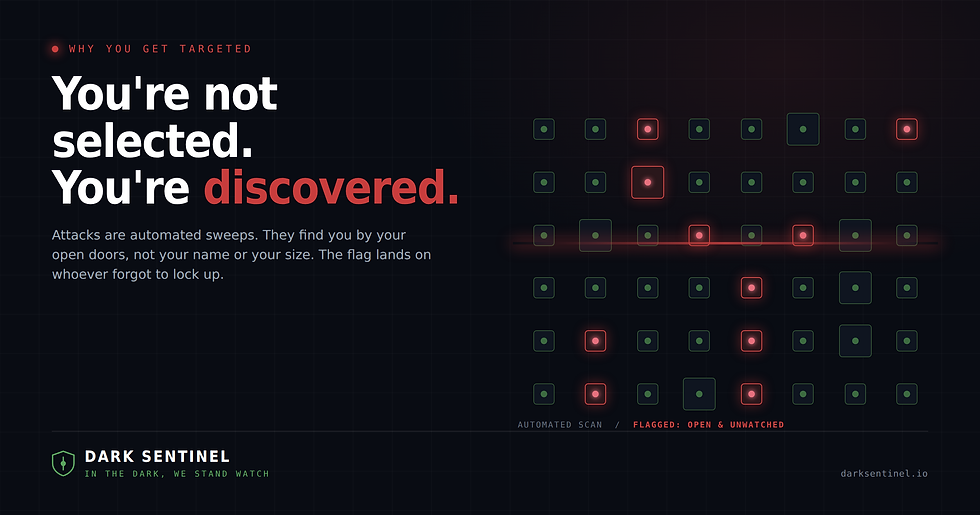
Smaller and mid-sized businesses often have fewer layers of formal security training and less specialized IT staff than larger corporations. This can make employees easier targets for social engineering attacks. A single click on a malicious link or a moment of misplaced trust can lead to devastating consequences, from data breaches and financial fraud to debilitating ransomware attacks.
Dark Sentinel: Your Partner in Human-Centric Security
At Dark Sentinel, we understand that technology alone isn't enough to protect your business. Our comprehensive approach addresses the human element of cybersecurity:
Managed Security: We implement advanced email filtering and endpoint protection to block many deceptive messages and malicious downloads before they ever reach an employee's inbox or computer.
24/7 Threat Monitoring: Even the best filters can't catch everything. Our experts continuously monitor your systems for unusual activity that might signal a social engineering attempt has succeeded, allowing us to detect and respond quickly before damage spreads.
Ransomware Defense: Many ransomware attacks begin with a clever social engineering trick. Our robust ransomware defense strategies are designed to protect your business even if an employee makes an honest mistake, helping you recover quickly if the worst happens.
Proactive Defense & Education: We believe in empowering your team. We can provide guidance and resources to help educate your employees, turning them into your strongest line of defense against social engineering.
Simple Steps Your Team Can Take
Educating your employees is critical. Encourage them to remember these simple rules:
Pause and Verify: Before clicking any link, opening an attachment, or responding to an urgent request, pause. Is this email or message expected? Does it make sense?
Check the Sender: Look closely at the sender's email address. Is it exactly right, or slightly off (e.g., "support@dark-sentinel.com" instead of "support@darksentinel.com")?
Don't Feel Pressured: Cybercriminals often create a false sense of urgency ("Act now or your account will be closed!"). Take your time to verify the request through an independent, trusted channel (e.g., call the company directly using a number from their official website, not one provided in the suspicious email).
Never Share Passwords: No legitimate organization will ever ask for your password via email, text, or an unsolicited phone call.
Don't let your team become an easy target. Partner with Dark Sentinel to strengthen your human defenses and protect your business from the clever tricks of social engineering. Contact us today to learn more about our comprehensive security solutions.


Comments